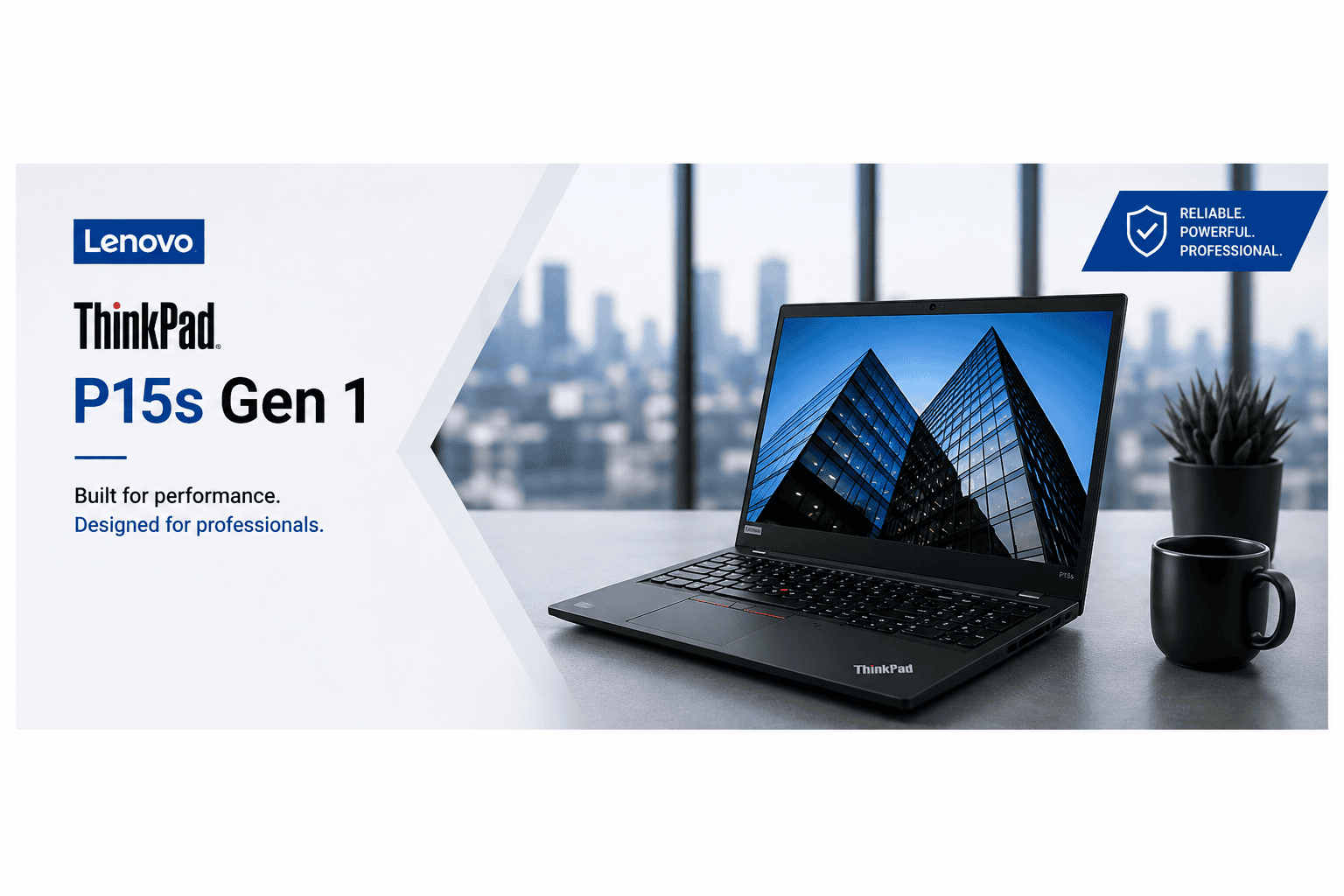
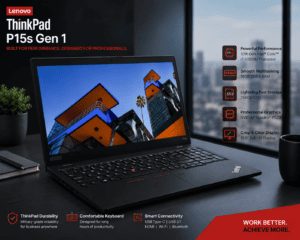
Lenovo ThinkPad P15s Gen 1 Core i7 Laptop
Lenovo ThinkPad P15s Gen 1 for Everyday Productivity
The Lenovo ThinkPad P15s Gen 1 is not only designed for professional users but can also handle a wide range of everyday computing tasks. Its Intel Core i7 processor, 16GB RAM, and SSD storage provide a balanced combination for users who need speed and smooth multitasking.
You can use the laptop for:
- Managing emails and business communication
- Creating Word documents and presentations
- Working with Microsoft Excel spreadsheets
- Attending Zoom and Microsoft Teams meetings
- Browsing with multiple tabs
- Managing online projects
- Programming and web development
- Research and academic work
- Photo editing and creative tasks
- Running compatible professional software
Therefore, the Lenovo ThinkPad P15s Gen 1 Core i7 can be a practical choice for users who want one laptop for both professional work and everyday productivity.
Reliable Performance for Multitasking
Modern users often need to run multiple applications at the same time. The combination of the Intel Core i7-10510U processor and 16GB DDR4 RAM helps the Lenovo ThinkPad P15s Gen 1 handle multitasking more efficiently.
For example, you can work on a document while keeping multiple browser tabs, email applications, communication tools, and spreadsheets open.
This makes the laptop useful for professionals who regularly work with several applications throughout the day.
The 256GB SSD also contributes to a responsive user experience by helping applications and files load faster.
Lenovo ThinkPad P15s Gen 1 for Design and Engineering Work
The dedicated NVIDIA Quadro P520 graphics card makes the Lenovo ThinkPad P15s Gen 1 different from many standard business laptops that rely only on integrated graphics.
The laptop can be considered for compatible workloads involving:
- CAD and technical drawings
- 2D design work
- Architecture projects
- Engineering applications
- Photo editing
- Graphic design
- Creative projects
- Technical software
However, performance can vary depending on the complexity of the project, software version, and system requirements. For demanding professional applications, it is always a good idea to check the recommended hardware requirements before purchase.
Is 16GB RAM Enough for Professional Work?
For many users, 16GB RAM provides a comfortable amount of memory for everyday multitasking and professional productivity.
With 16GB RAM, you can work with multiple browser tabs, Microsoft Office applications, communication tools, and other everyday software more smoothly.
It is particularly useful for:
- Business users
- Office professionals
- Software developers
- University students
- Freelancers
- Designers working on compatible projects
As a result, the Lenovo ThinkPad P15s Gen 1 16GB RAM configuration can offer a better multitasking experience than entry-level systems with lower memory capacity.
Why Is SSD Storage Important?
The 256GB SSD plays an important role in the overall performance of the Lenovo ThinkPad P15s Gen 1.
Unlike older traditional hard drives, SSD storage is designed to provide faster access to files and applications.
This can result in:
- Faster Windows startup
- Quicker application loading
- Faster file access
- Improved overall responsiveness
- Better everyday workflow
For users who value speed and productivity, SSD storage is an important feature of this laptop configuration.
Lenovo ThinkPad P15s Gen 1: A Good Choice for Work and Study
The Lenovo ThinkPad P15s Gen 1 Core i7 can serve different types of users because of its balanced specifications.
For students, it can be useful for assignments, research, online classes, presentations, and programming. For business professionals, it can handle documents, spreadsheets, emails, and online collaboration.
Meanwhile, developers and technical users can use the laptop for coding, development environments, testing, and other compatible software.
This versatility makes the Lenovo ThinkPad P15s Gen 1 a practical option for users looking for a professional laptop that can support different types of daily workloads.
Key Advantages of Lenovo ThinkPad P15s Gen 1
Here is a quick overview of the main advantages:
Strong Multitasking
The combination of 16GB RAM and an Intel Core i7 processor helps users manage multiple tasks efficiently.
Fast Storage
The 256GB SSD improves system responsiveness and reduces application loading times.
Dedicated Professional Graphics
The NVIDIA Quadro P520 provides dedicated graphics capability for compatible professional and creative workloads.
Large Full HD Display
The 15.6-inch display provides a comfortable workspace for documents, spreadsheets, presentations, and other tasks.
Professional ThinkPad Design
The ThinkPad series is widely recognized for its business-focused design and practical features.
Things to Consider Before Buying
Before purchasing the Lenovo ThinkPad P15s Gen 1, consider your personal requirements.
The 256GB SSD may be sufficient for users who primarily work with documents, applications, and cloud storage. However, users who work with large video files, extensive design projects, or large datasets may eventually need additional storage.
Similarly, the NVIDIA Quadro P520 is suitable for compatible professional workloads, but users working with highly demanding modern 3D rendering, complex simulations, or intensive video production should compare their software requirements with the laptop’s specifications.
Understanding your workload before purchasing can help you choose the right laptop configuration.
Frequently Asked Questions About Lenovo ThinkPad P15s Gen
Is Lenovo ThinkPad P15s Gen 1 good for office work?
Yes, the Lenovo ThinkPad P15s Gen 1 is suitable for office and business tasks. Its Intel Core i7 processor, 16GB RAM, and SSD storage can support documents, spreadsheets, presentations, emails, and multitasking.
Is Lenovo ThinkPad P15s Gen 1 good for programming?
Yes, it can be a suitable option for programming, web development, coding projects, and development tools. The 16GB RAM is particularly useful when working with multiple applications and browser tabs.
Can Lenovo ThinkPad P15s Gen 1 run AutoCAD?
The laptop includes NVIDIA Quadro P520 dedicated graphics, which can support compatible CAD and professional applications. Actual performance depends on the AutoCAD version, project complexity, and system requirements.
Is 16GB RAM enough for multitasking?
For most office, business, programming, and everyday professional tasks, 16GB RAM provides a comfortable multitasking experience.
Is the 256GB SSD fast?
Yes, SSD storage generally provides faster boot times, application loading, and file access compared with traditional mechanical hard drives.
Who should buy Lenovo ThinkPad P15s Gen 1?
The Lenovo ThinkPad P15s Gen 1 is suitable for business professionals, office users, students, programmers, freelancers, engineers, architects, and designers working with compatible software.
Buy Lenovo ThinkPad P15s Gen 1 for Professional Productivity
If you are searching for a reliable laptop with Intel Core i7 performance, 16GB RAM, fast SSD storage, dedicated NVIDIA graphics, and a large Full HD display, the Lenovo ThinkPad P15s Gen 1 is worth considering.
It offers a practical combination of specifications for business, office work, study, programming, multitasking, and compatible professional applications.
Before purchasing, compare the specifications with your personal or professional requirements to ensure that the laptop is suitable for your workload.
Final Verdict
The Lenovo ThinkPad P15s Gen 1 Core i7-10510U offers a balanced combination of performance, multitasking capability, professional graphics, and business-focused design.
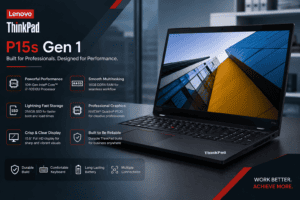
With 16GB DDR4 RAM, a 256GB SSD, NVIDIA Quadro P520 graphics, and a 15.6-inch Full HD display, this laptop is suitable for a wide range of professional and everyday tasks.
If you are looking for a dependable Lenovo ThinkPad business laptopfor productivity, office work, programming, academic use, and compatible design or engineering software, the ThinkPad P15s Gen 1 is a practical option to consider.